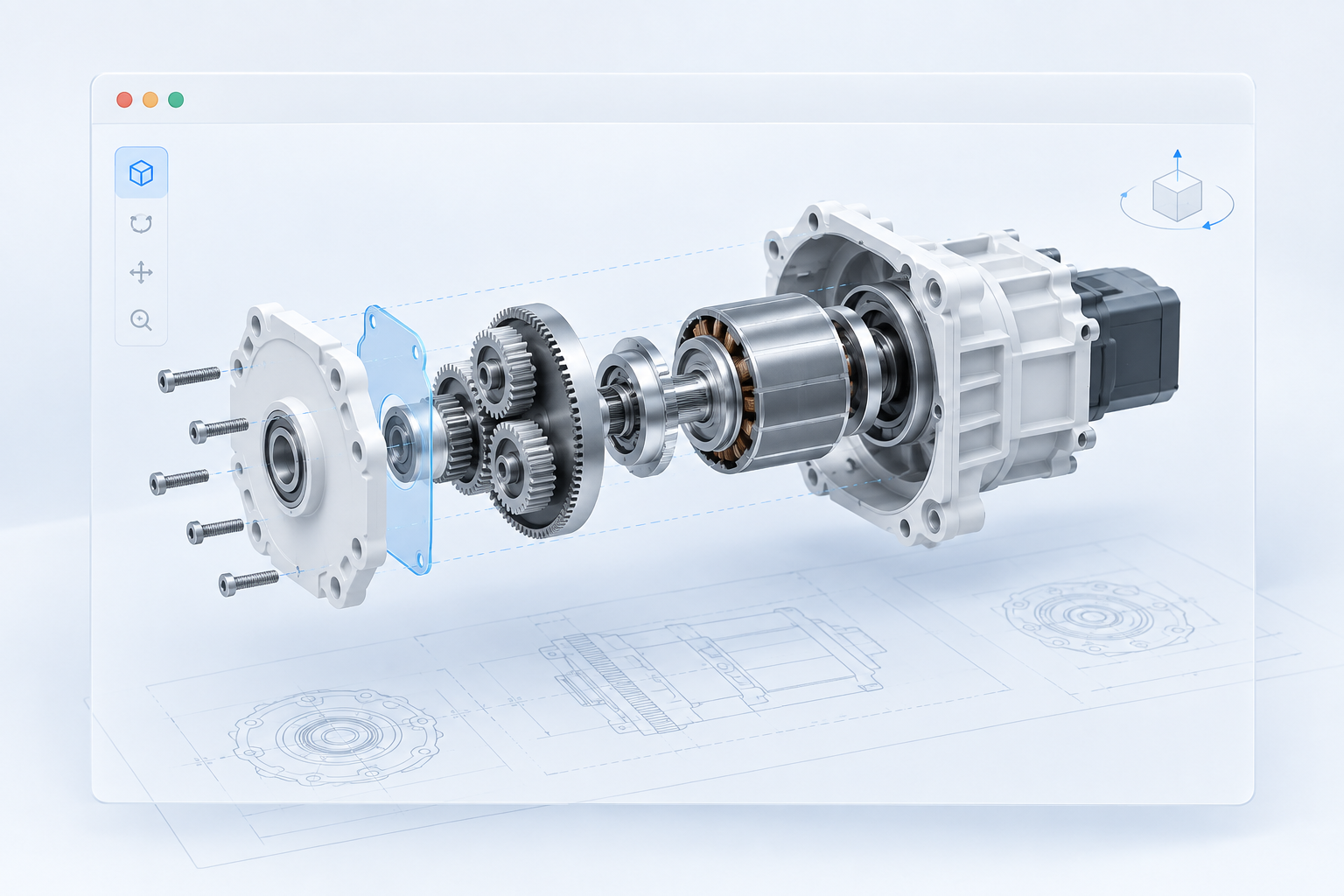

Create reviewable 2D drawings from a STEP model
Upload a STEP or STP part, choose a drawing layout and paper size, then generate PDF and DXF views. Use the result as a drafting starting point and check critical dimensions before release.

Key Features
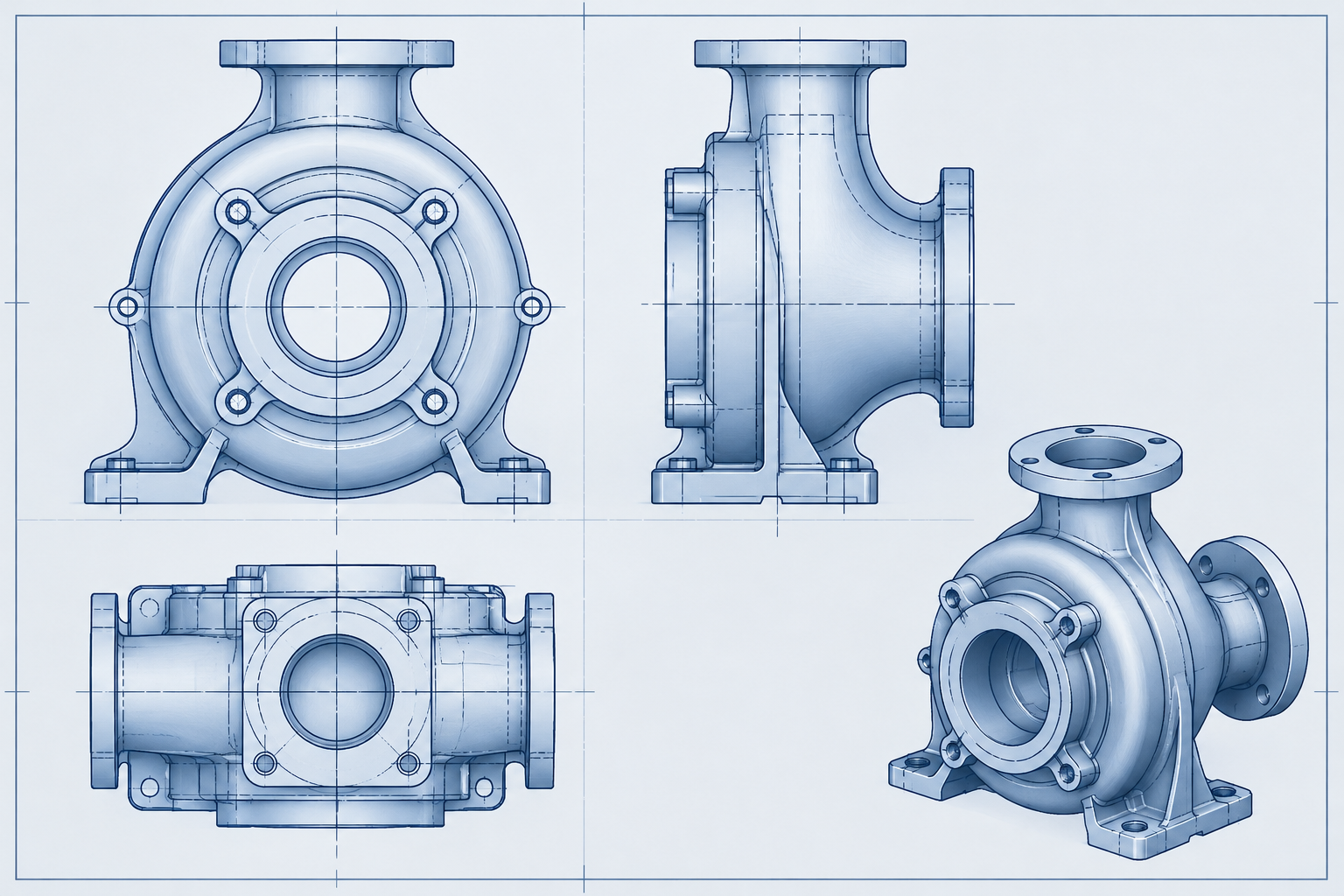
Choose views for the review task
Select three views, front plus isometric, or three views with a section. The layout controls what reviewers can see without changing the source model.
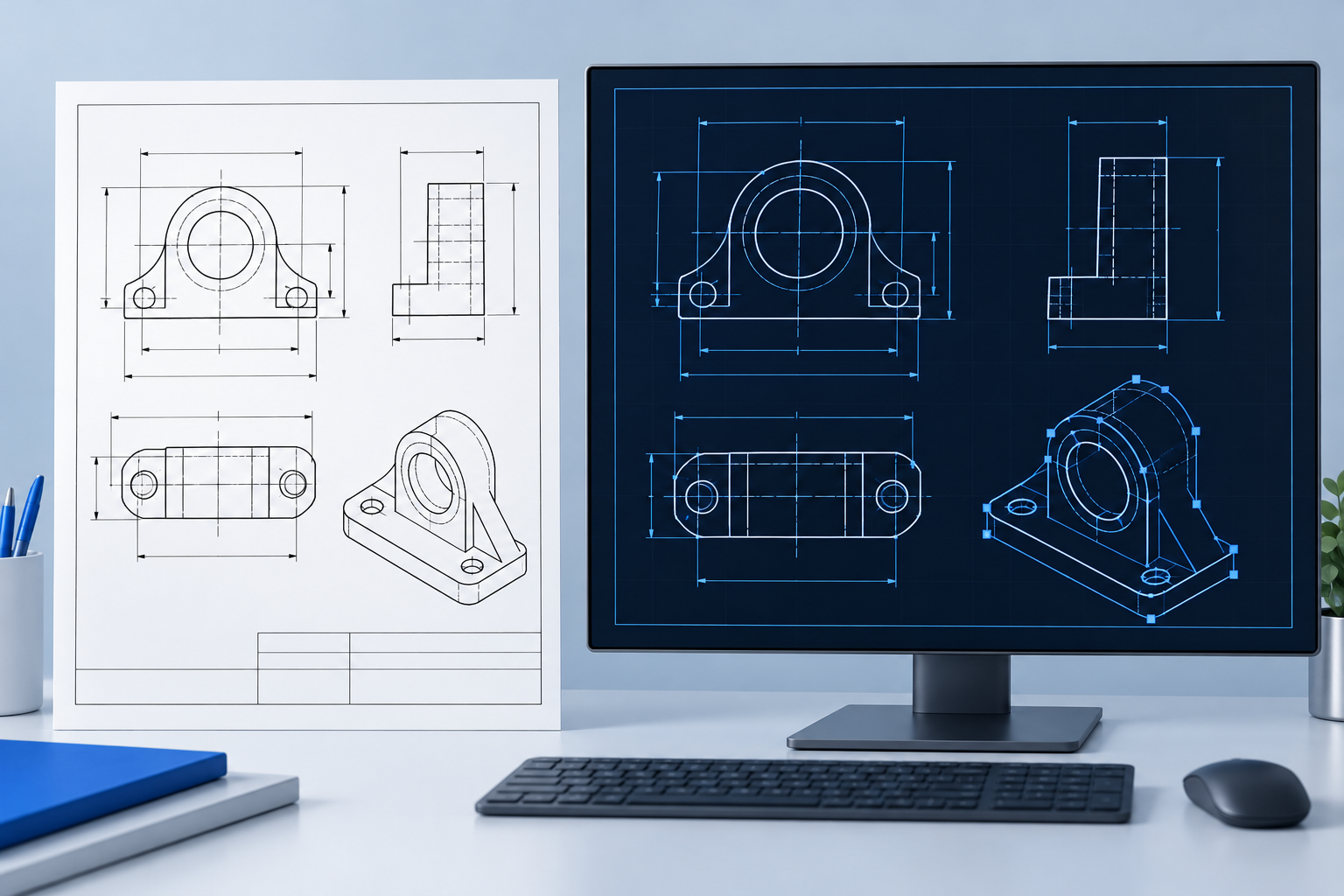
Deliver PDF and editable DXF
Use PDF for quick review and DXF when a drafter needs to continue editing linework. Select one or both output formats before generation.
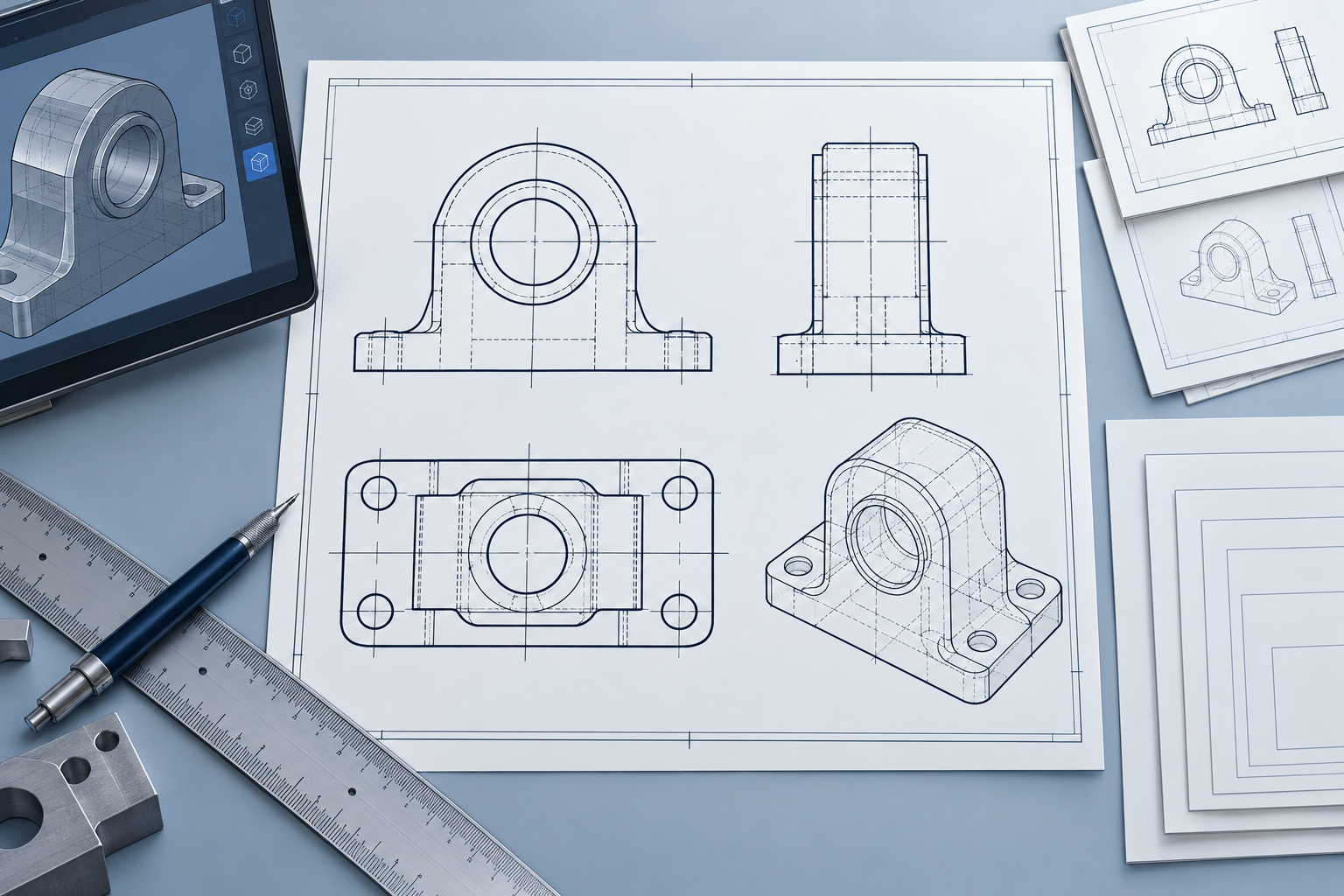
Set paper and drafting options
Pick A4–A1 paper, ISO, GB/T, ANSI, or no standard, and decide whether hidden lines should be shown. Inspect the generated sheet before sharing it.
Use Cases
Design reviews
Create consistent orthographic views from a supplier STEP file so the team can discuss geometry on a sheet.
Drafting handoff
Give a drafter an editable DXF starting point rather than rebuilding projection lines manually.
Supplier communication
Share a PDF with visible part views when a recipient does not have a 3D CAD viewer.
How to Use This Tool
- 1
Upload STEP or STP
Use a complete model with the orientation you want to present.
- 2
Configure the sheet
Choose layout, paper size, drafting standard, hidden lines, and PDF or DXF output.
- 3
Generate and review
Inspect the preview, check view orientation and important details, then download the files.
FAQs about 3D to 2D
Which input files are supported?
This workflow accepts STEP and STP files.
Can I edit the result?
The DXF contains drawing geometry you can continue editing in a CAD tool. The PDF is intended for viewing and sharing.
Is the drawing ready for manufacturing?
Review dimensions, tolerances, annotations, scale, and your drafting requirements before issuing it for manufacturing.