Scan to CAD
Vectorize scanned engineering drawings into editable CAD files. Coming soon.
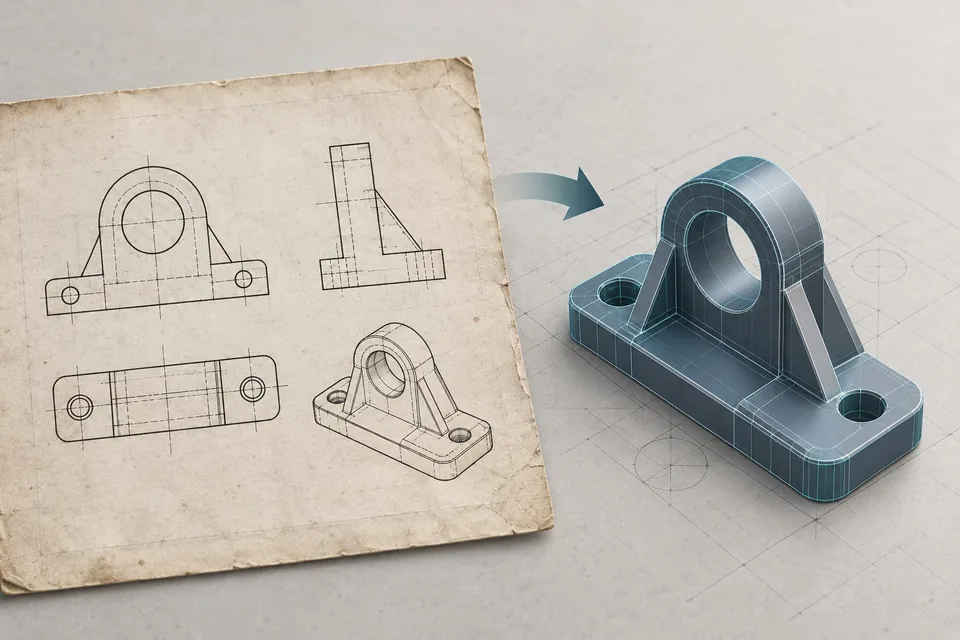
Transform engineering drawing into structured data, editable CAD files, and production-ready 3D models — automatically.

Vectorize scanned engineering drawings into editable CAD files. Coming soon.
Generate production drawings from STEP models with standard views and sheet layouts.
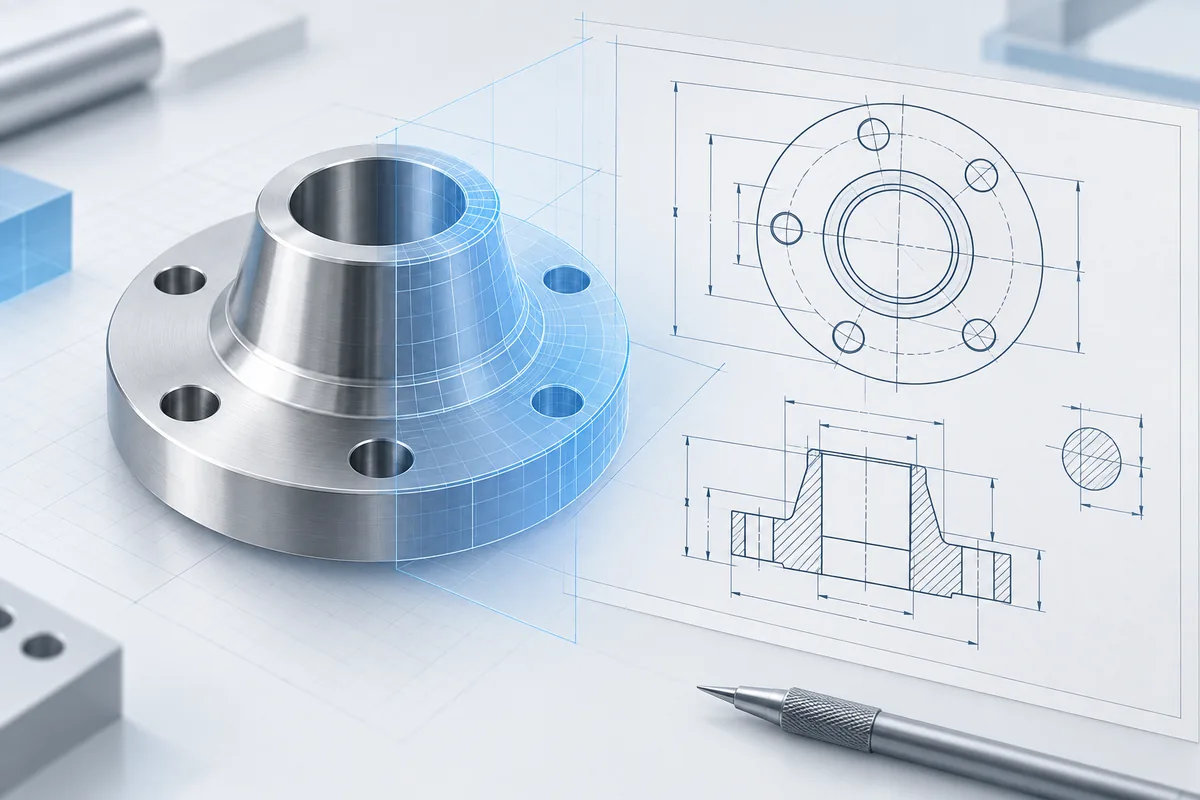
Transform dimensioned DXF or DWG drawings into STEP models that can continue through your CAD workflow.
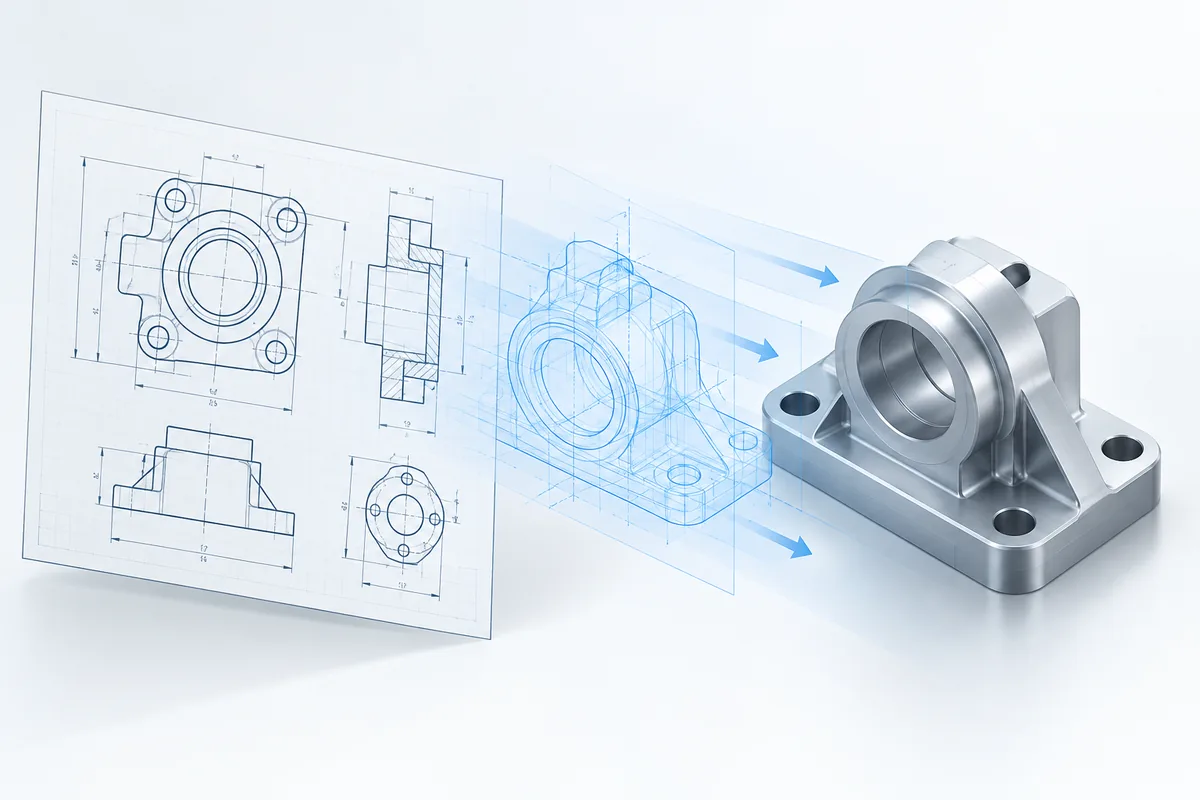
Turn P&ID images, PDFs, DXF, and DWG files into editable CAD, structured data, and connectivity analysis.
Open parts and assemblies in your browser. Inspect geometry, rotate models, and review files without installing CAD software.
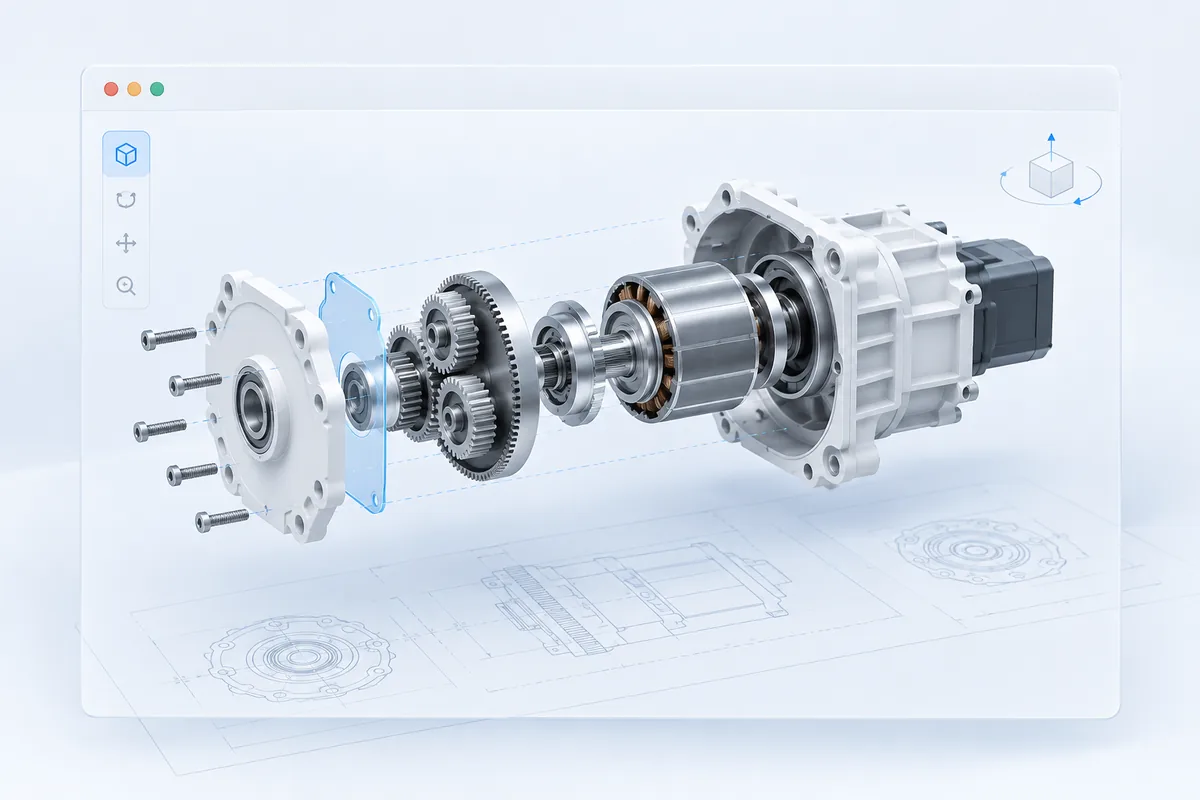
Convert between common engineering formats through a fast, focused workflow built for everyday file handoffs.

There are a lot of AI tools out there. What makes DrawingLoop unique?
Built around drawings, geometry, tags, dimensions, and the formats engineering teams already use.
Get editable CAD and machine-readable data—not a flattened image or a chat-only answer.
Connect reconstruction, extraction, modeling, drawing generation, viewing, and conversion.
Preview results in the browser, verify the output, and continue working in your existing toolchain.
See how teams turn existing drawings and models into useful engineering deliverables.
Bring a paper scan or raster PDF into a drafting workflow, with a practical review plan for geometry that needs correction.
Explore use case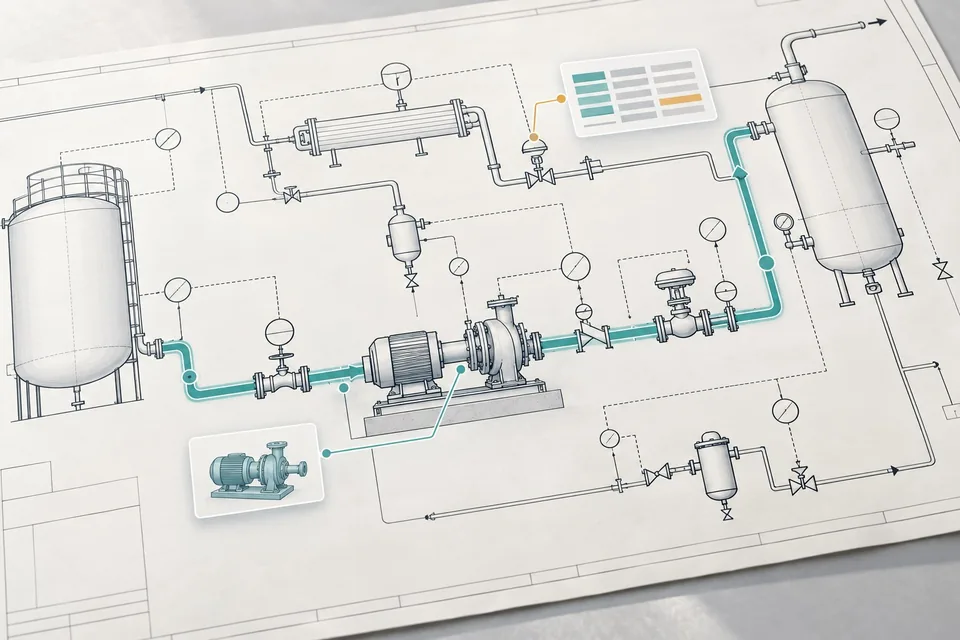
Recover an editable drawing, equipment data, and connection paths from one archived P&ID before a brownfield change.
Explore use case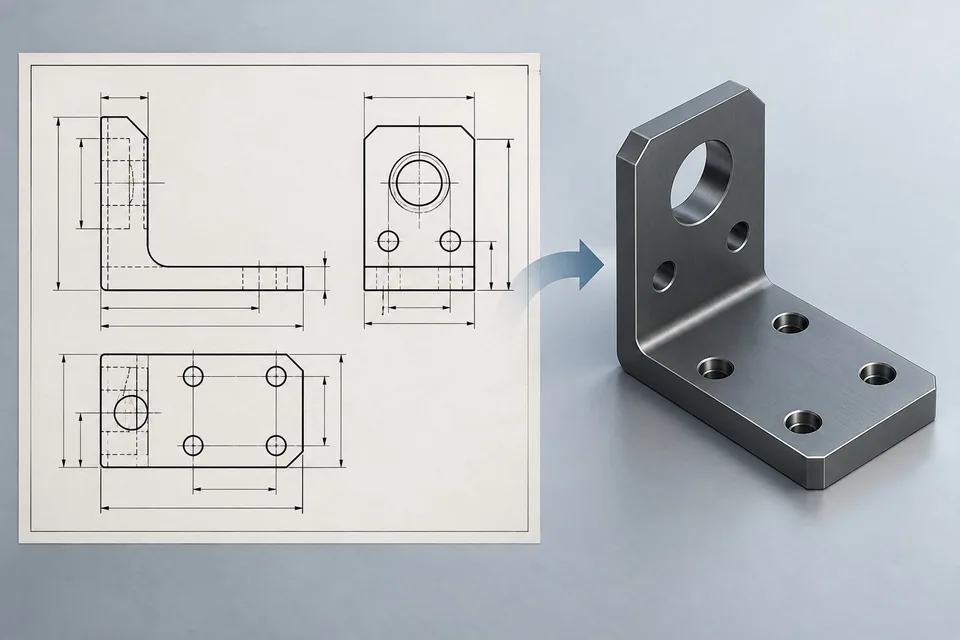
Use dimensioned DXF or DWG views to create a reviewable 3D starting model when the original solid is missing.
Explore use case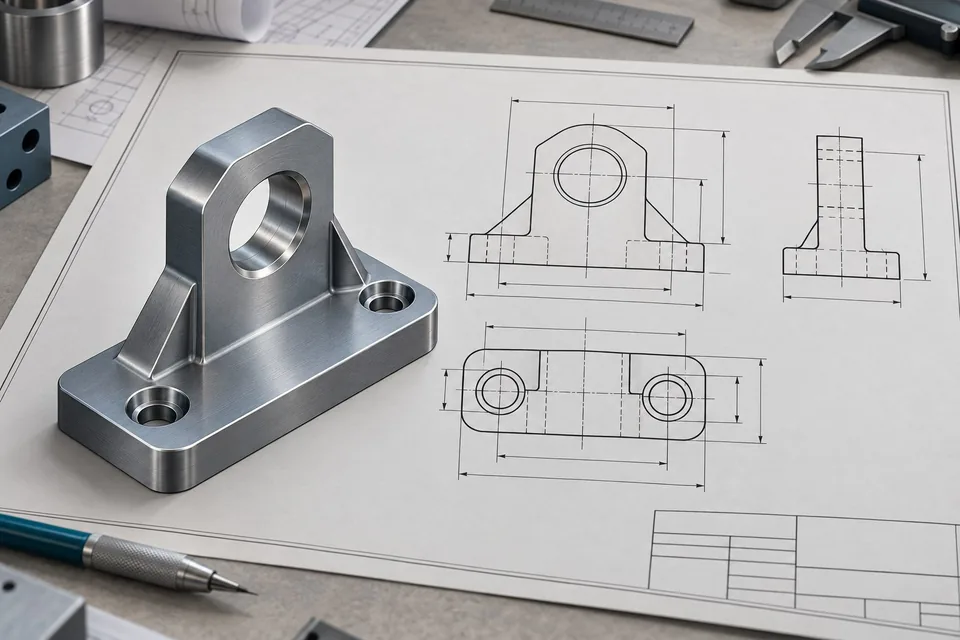
Prepare consistent 2D sheets for a family of machined parts, then review the manufacturing details before release.
Explore use caseSee how engineering teams get accurate outputs in less time.
DrawingLoop preserves the linework and tags closely enough that our review starts with exceptions, not a redraw. Work that took most of an afternoon is ready to check in minutes.

The generated views and dimensions land where our team expects them. We replaced hours of repetitive drawing setup with one focused final review.

Turning our existing 2D drawings into STEP models gives our designers a practical starting point. We can review the geometry quickly and keep the project moving.

P&ID Intelligence accepts images, PDFs, DXF, and DWG files. 3D to 2D accepts STEP/STP; 2D to 3D accepts DXF/DWG.
Yes. DrawingLoop is designed to return editable engineering files such as DXF, DWG, and STEP—not just screenshots or flattened previews.
Yes. P&ID Intelligence returns structured data and connectivity analysis alongside editable CAD output.
No installation is required to run workflows or preview supported CAD files in the browser. You can download outputs for further editing in your preferred CAD tool.
Yes. Use “Try it free” to process a drawing and explore the workflow before choosing a paid plan.
Turn one drawing into an editable, structured, production-ready asset.