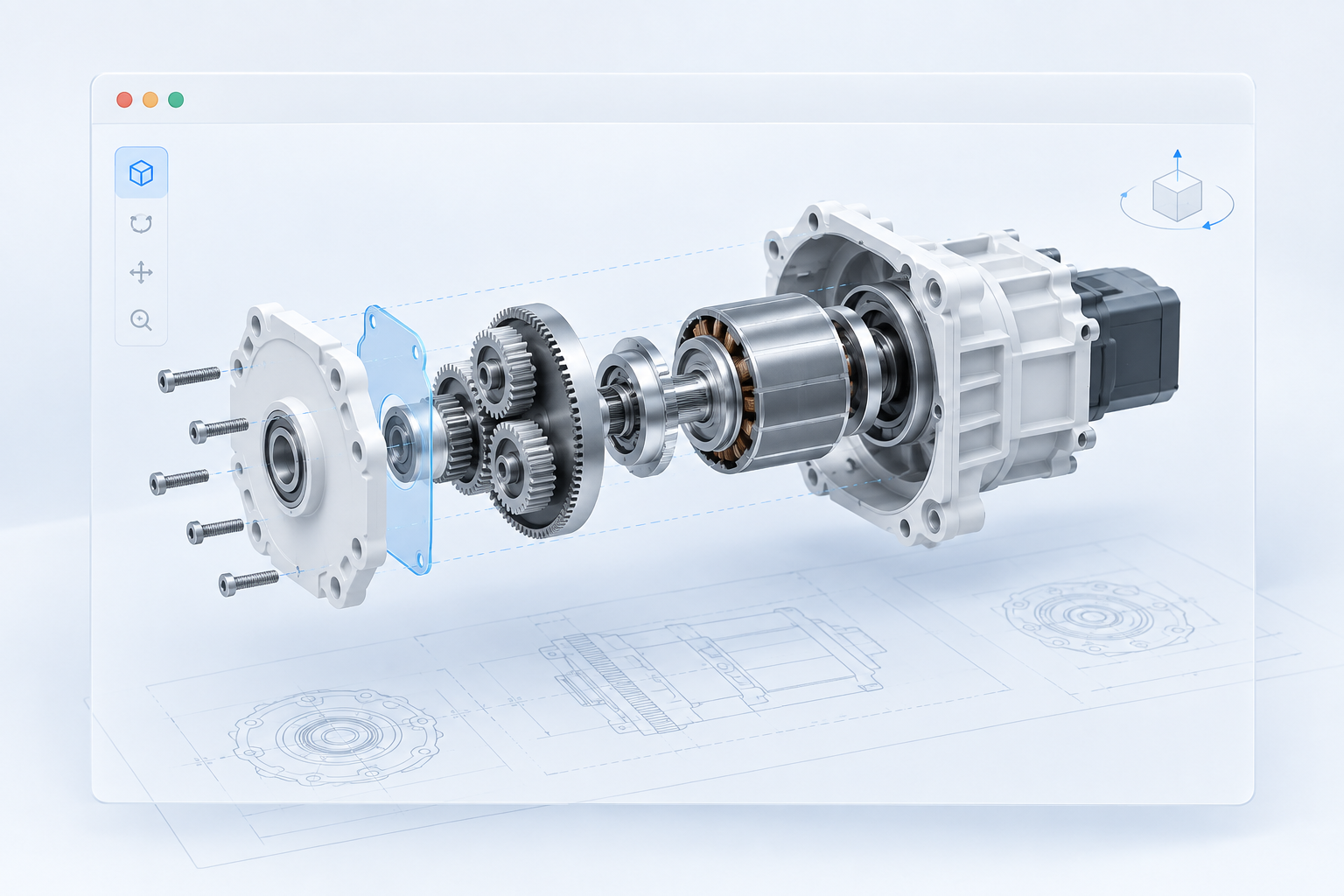

Turn a P&ID into editable drawing and structured data
Upload an image, PDF, DXF, or DWG P&ID. Get an editable CAD drawing, extracted equipment and tags, and a connectivity result you can review against the source.

Key Features
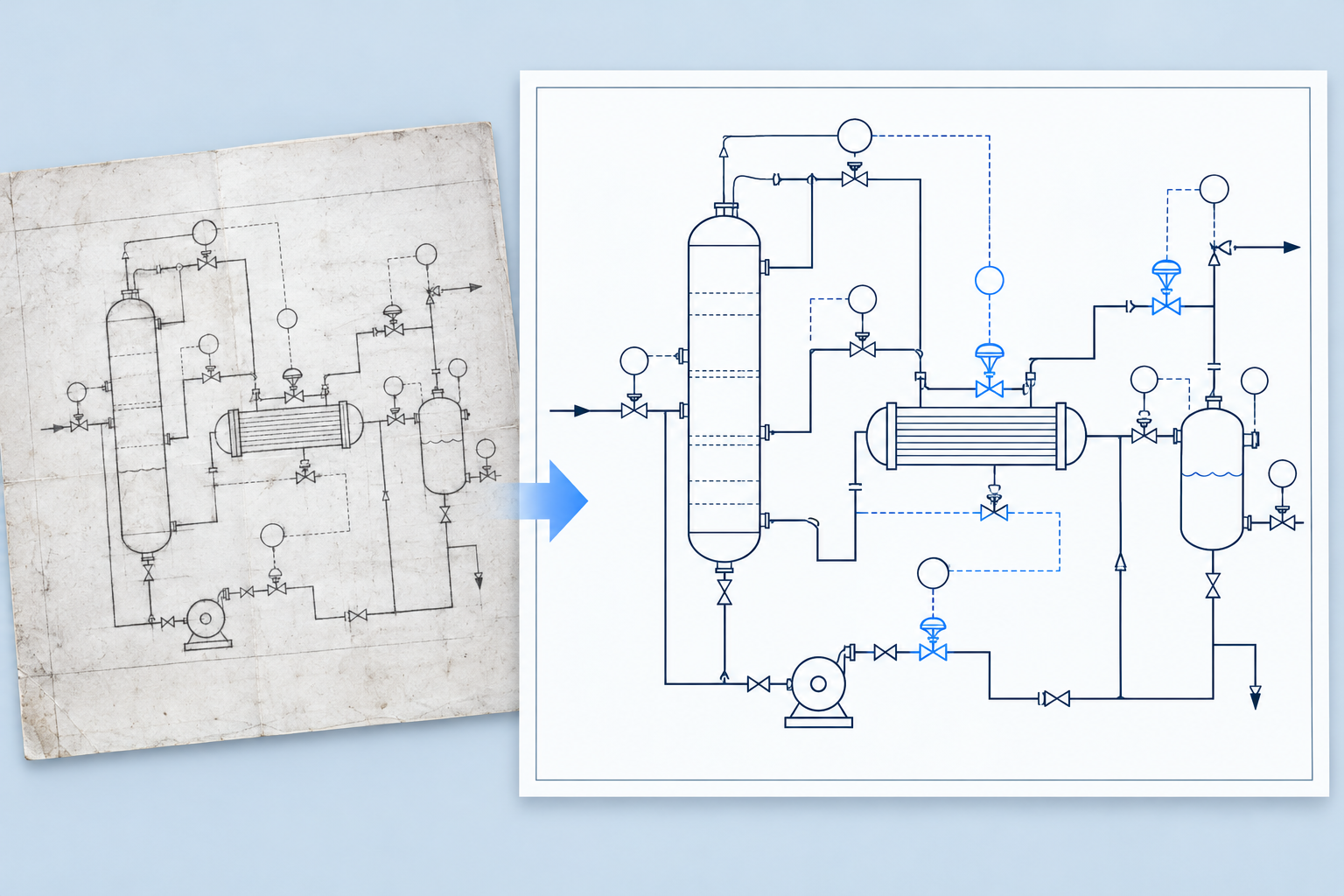
Make the drawing editable
Recover drawing elements in DXF or DWG so your team can revise an older P&ID without starting from a blank sheet.
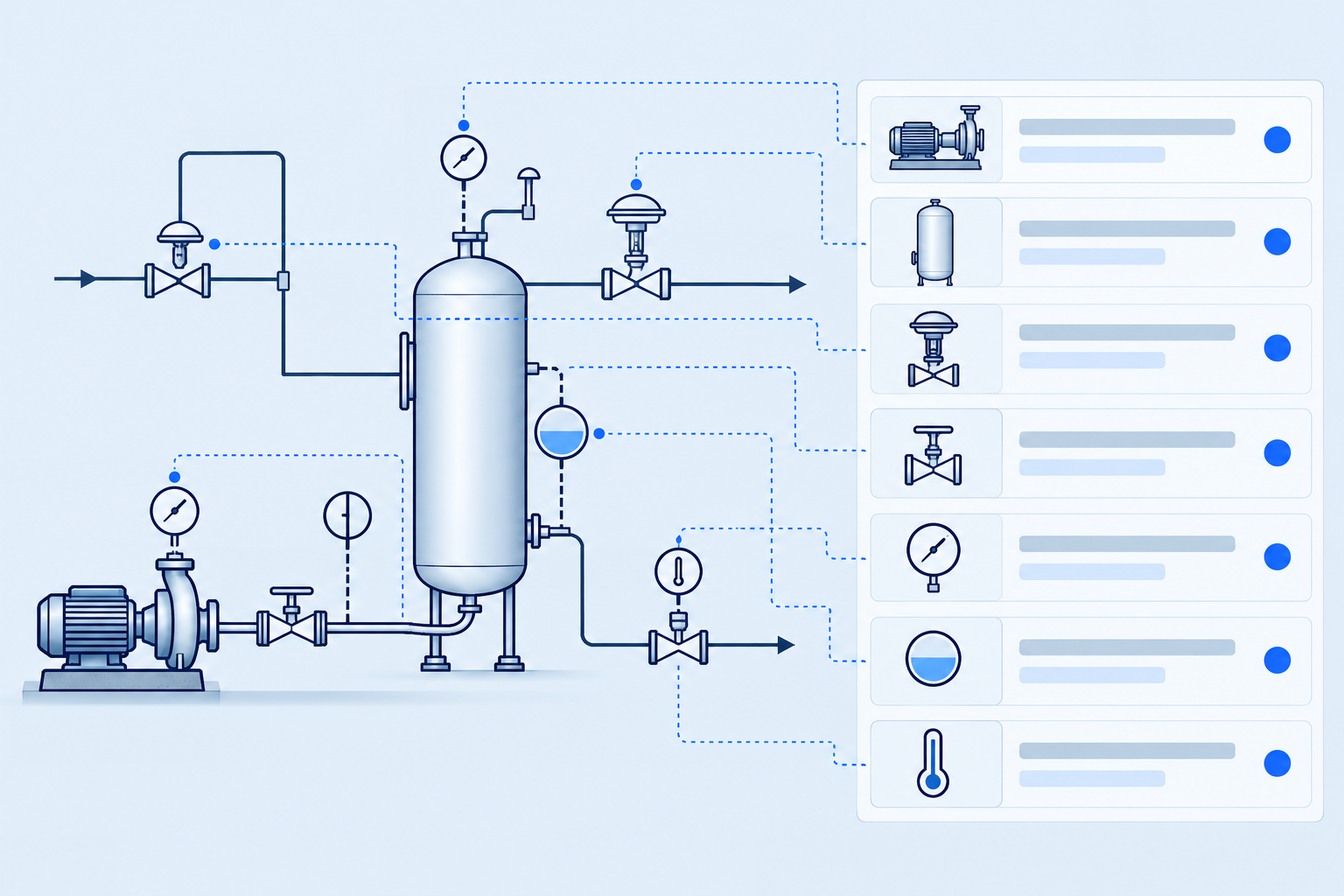
Extract equipment and tags
Turn visible identifiers and properties into structured data for checking inventories or preparing a handoff. Confirm OCR and symbol interpretations against the drawing.
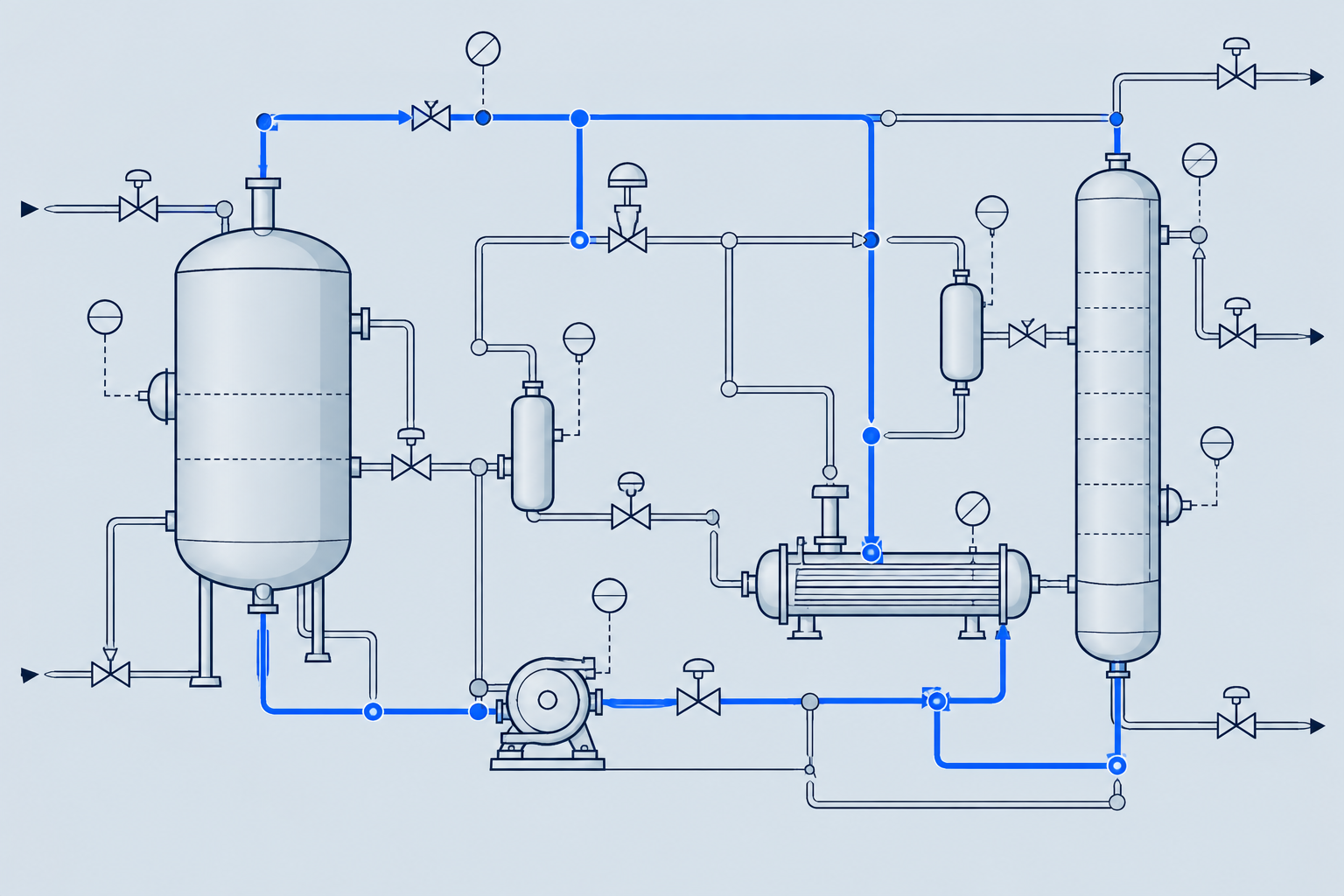
Review connections
Use the connectivity output to examine how detected drawing elements relate. Validate line continuity and branches before using it in an engineering decision.
Use Cases
Plant document migration
Move legacy P&IDs into editable files while collecting a first pass of equipment information.
Tag reconciliation
Compare extracted tags with an asset register to find likely omissions or naming differences.
Revision preparation
Inspect connections and drawing data before updating a process diagram.
How to Use This Tool
- 1
Upload the source
Use an image, PDF, DXF, or DWG with legible symbols and tags.
- 2
Generate the outputs
Start the run from the controls above the preview and wait for processing to finish.
- 3
Review each result
Switch between CAD, data, and connectivity outputs; compare tags and lines with the original.
- 4
Download for follow-up
Take the reviewed files into your drafting, asset, or validation workflow.
FAQs about P&ID Intelligence
What can I upload?
PNG, JPG, JPEG, WEBP, BMP, TIFF, PDF, DXF, and DWG files are accepted.
What outputs should I expect?
The workflow provides an editable CAD drawing, structured element data, and a connectivity analysis.
Can extracted tags and connections be used without checking?
No. Text recognition, symbol detection, and line tracing can be imperfect. Confirm important information against the source and project records.