Turn a scanned drawing into editable CAD geometry
Scan to CAD is being prepared for engineering drawings trapped in paper, scans, and raster PDFs. The planned workflow will trace drawing geometry into a CAD file you can inspect and refine instead of redrawing every line by hand.
Coming soon · generation is not available yet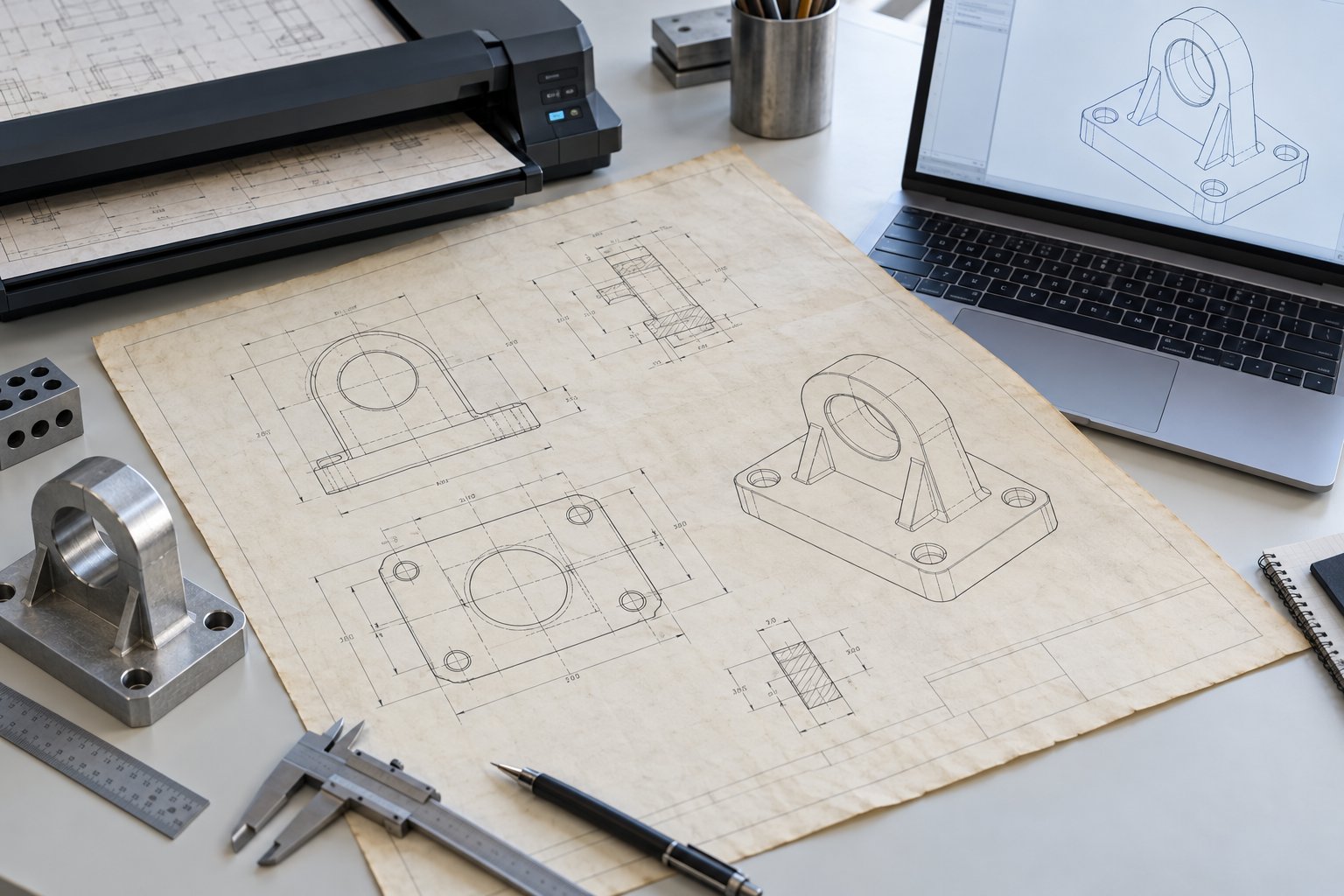
Key Features
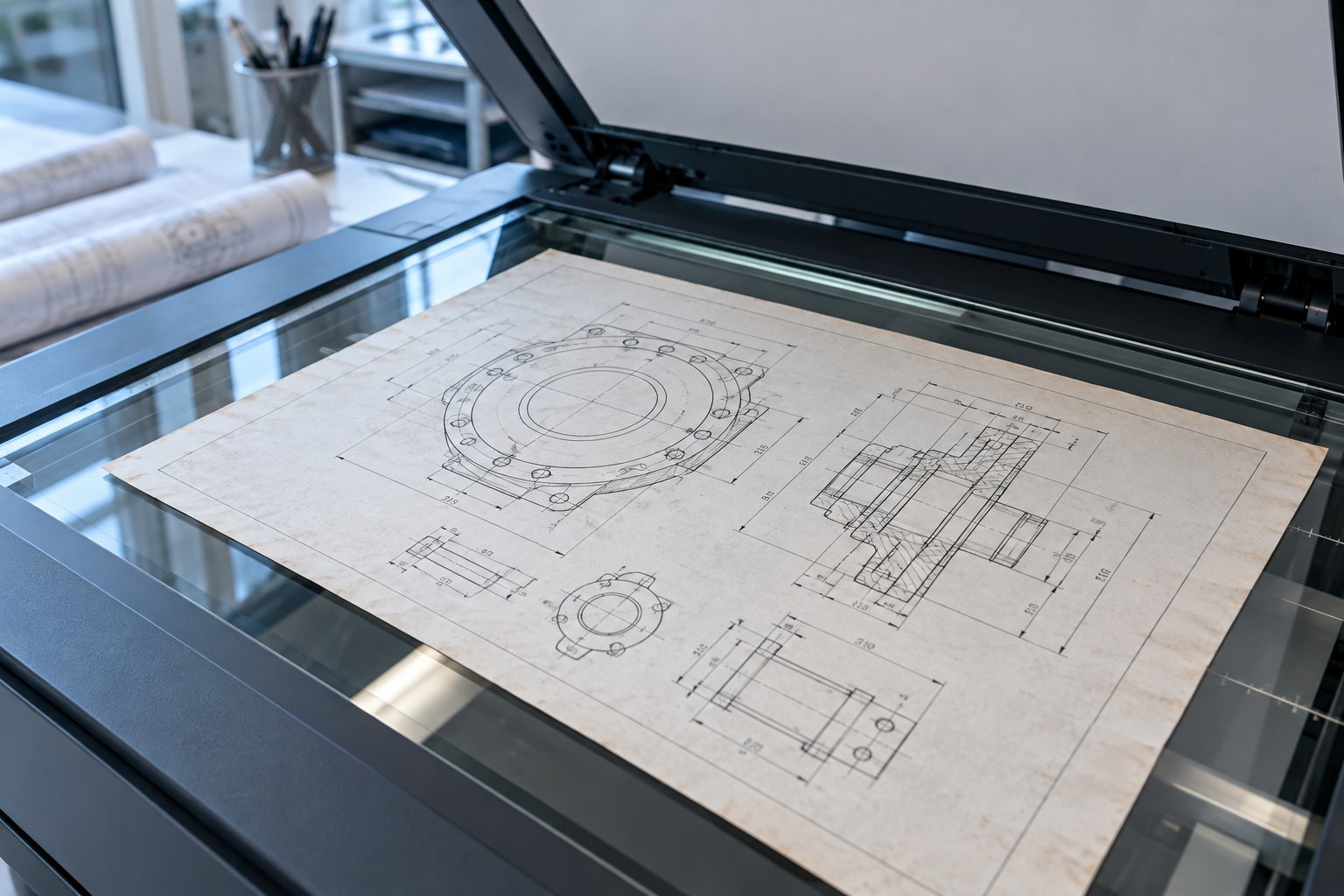
Recover lines from a raster source
Start with a legible scan or image of an engineering drawing. Vectorization is most useful when linework is clear and the page is straight, high contrast, and free of heavy shadows.
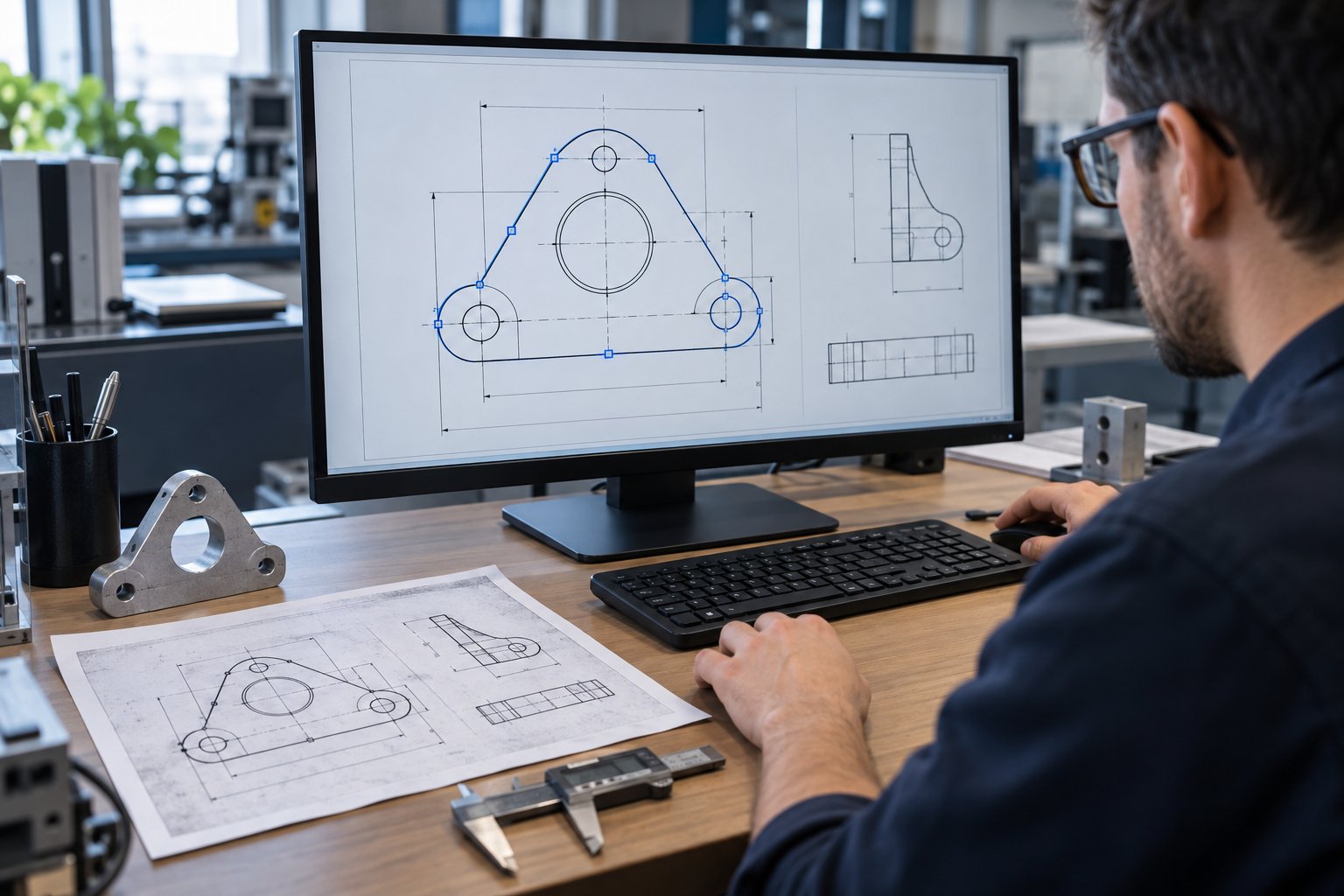
Prepare geometry for CAD editing
The goal is editable drawing geometry for cleanup in your CAD tool. Check dimensions, scale, layers, and annotations against the original before using it for design changes.
Use Cases
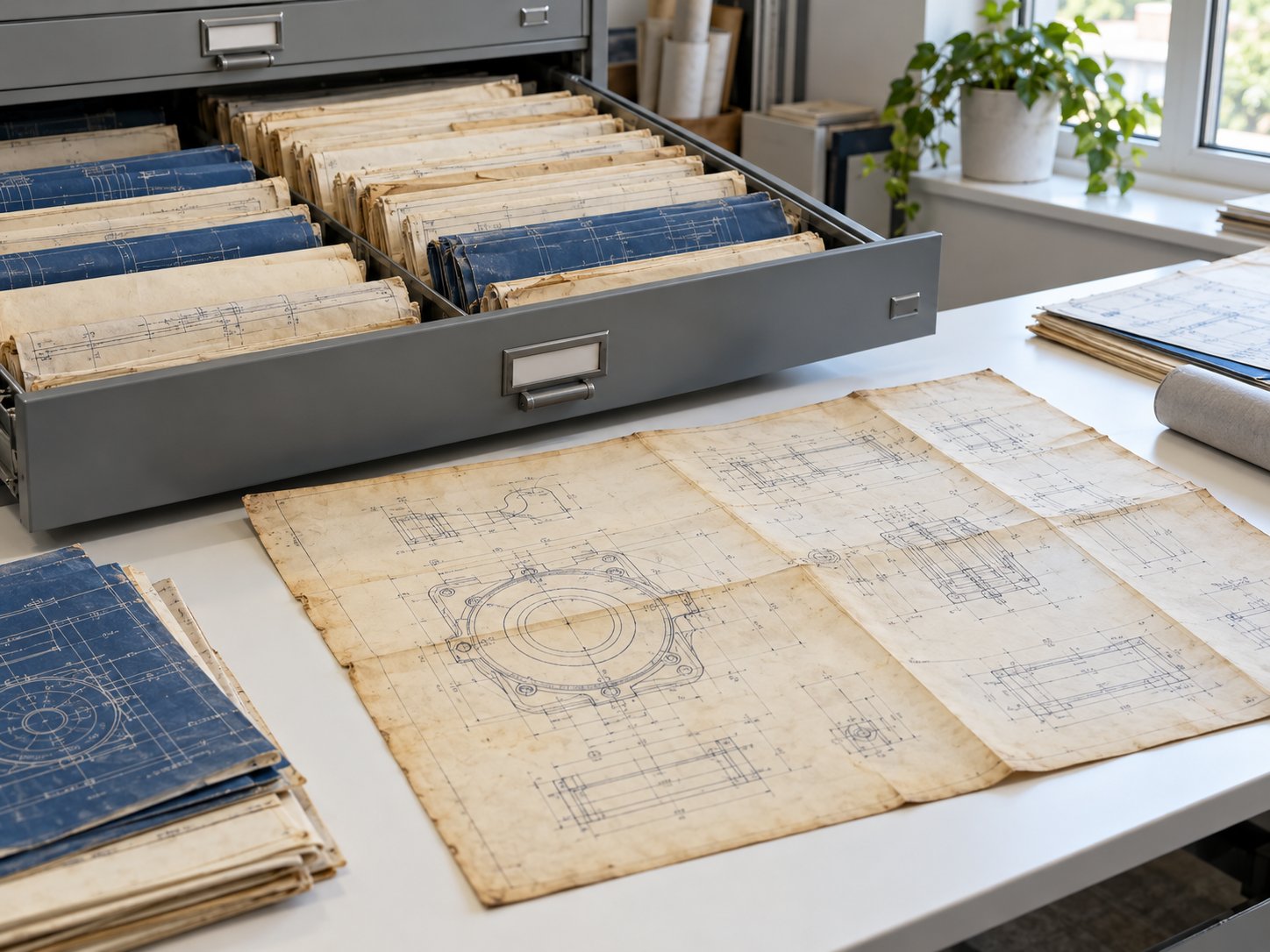
Legacy drawing recovery
Bring an archived paper drawing into a digital drafting workflow without tracing every line from scratch.

Supplier drawing handoff
Use a scanned detail as a starting point when the supplier cannot provide the original CAD file.
How to Use This Tool
- 1
Prepare the scan
Use a flat, high-resolution image or PDF; crop borders and correct rotation where possible.
- 2
Upload when available
Once Scan to CAD launches, submit the source in the upload area.
- 3
Verify the CAD result
Compare critical lengths and symbols with the source, then clean up geometry in your CAD editor.
FAQs about Scan to CAD
Can I use Scan to CAD now?
Not yet. The feature is coming soon, so uploads and generation are currently disabled.
What kind of source will work best?
A straight, sharp scan with clear lines and readable dimensions is the best starting point. Faint strokes, folds, skew, and overlapping marks can require manual cleanup.
Will a vectorized drawing be dimensionally verified?
No. Pixel tracing alone does not establish engineering scale or design intent. Verify dimensions and tolerances against the source before reuse.