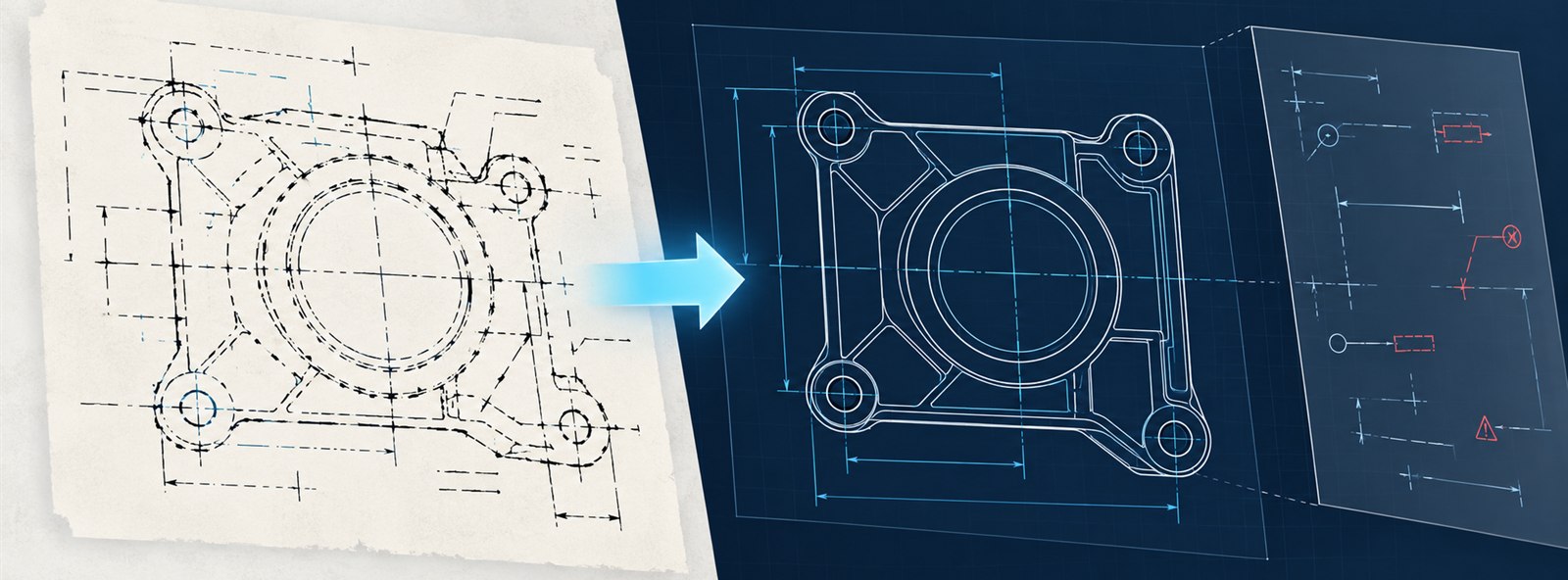
Inspect the import before running cleanup commands
Import a representative region and select examples of a straight edge, a curve, a dimension, and a label. PDF paths can become separate line or polyline segments; compound drawing objects can be split into primitives. Note the layer, object type, and measured size of each sample. Save a copy of the raw import before modifying anything.
For a cutting outline, verify whether the profile is actually closed. For a mechanical drawing, preserve centerlines, hidden lines, and construction geometry as distinct from visible part edges. A blanket join across every layer can erase that distinction.
Remove true duplicates first
AutoCAD OVERKILL removes duplicate or overlapping lines, arcs, and polylines and can combine partially overlapping or contiguous geometry. Run it on a selected copy or a narrowly chosen layer first. Review the comparison tolerance and which properties are ignored: two coincident strokes with different layers or linetypes may have different meanings.
After cleanup, compare entity counts and inspect one dense area. Confirm that holes, borders, and separate line types were not lost. For fabrication DXF, duplicate contours can cause repeated toolpaths, so this review has a practical downstream benefit.
Join only the paths that should be continuous
Use PEDIT or MPEDIT to join related line and arc segments. A fuzz distance can bridge endpoints that are not exactly coincident, but too large a value may close an intended slot or join neighboring features. Begin with a small distance relative to the smallest intentional gap and inspect the changed endpoints.
A path made from many short straight chords may still be a poor substitute for a true arc. Where radius or tangency matters, compare the source drawing and rebuild the arc from controlled geometry instead of relying on a visually smooth polyline.
- Check the number of open profiles before and after joining.
- Measure critical diameters, radii, and overall dimensions against the source.
- Keep centerlines and annotation layers out of contour cleanup selections.
Recover text by its original type
TrueType text, SHX outlines, and pixels require different treatment. PDFSHXTEXT is intended for SHX geometry imported from a vector PDF; Autodesk recommends selecting small groups of lettering with a closely matching font and reviewing misses. Rasterized labels need OCR or manual transcription, followed by a check against the source. Neither method should be allowed to silently change part numbers, decimal points, or tolerances.
Test the receiving workflow
Reopen the exported DXF in the application that will use it. Confirm units, layers, editable text, closed contours where required, and one known dimension. A clean-looking preview is not enough: the receiving software must see the object structure the next task needs.